Deal Workflow — CRM to Commission Payout
Last update:
03/21/2026
Completed
📝 Knowledge Check — Deal Workflow Certification Quiz
121 Views •6.1 — Vendor Bills List
118 Views •6.2 — Vendor Bill Form
118 Views •3.5 — Manager & Director Lines
106 Views •7.2 — Sale Order Final State
104 Views •2.2 — Verify Sale Order Header
103 Views •3.1 — Commission Lines Overview
99 Views •3.4 — Commission Status Bar
98 Views •1.2 — Mark Opportunity as Won
94 Views •1.1 — Open CRM Pipeline
92 Views •5.2 — Purchase Order Auto-Created
91 Views •4.1 — Create & Find the Invoice
90 Views •7.4 — Accounting Dashboard Check
89 Views •3.3 — Commission Calculation Verification
88 Views •1.3 — Document in Chatter
88 Views •7.3 — Commission Overview Report
85 Views •2.3 — Check Order Lines
83 Views •5.3 — Review PO Lines
81 Views •2.4 — Commission Lines Tab
80 Views •4.2 — Posted Invoice Header
80 Views •6.1 — Vendor Bills List
📍 WHERE TO FIND IT
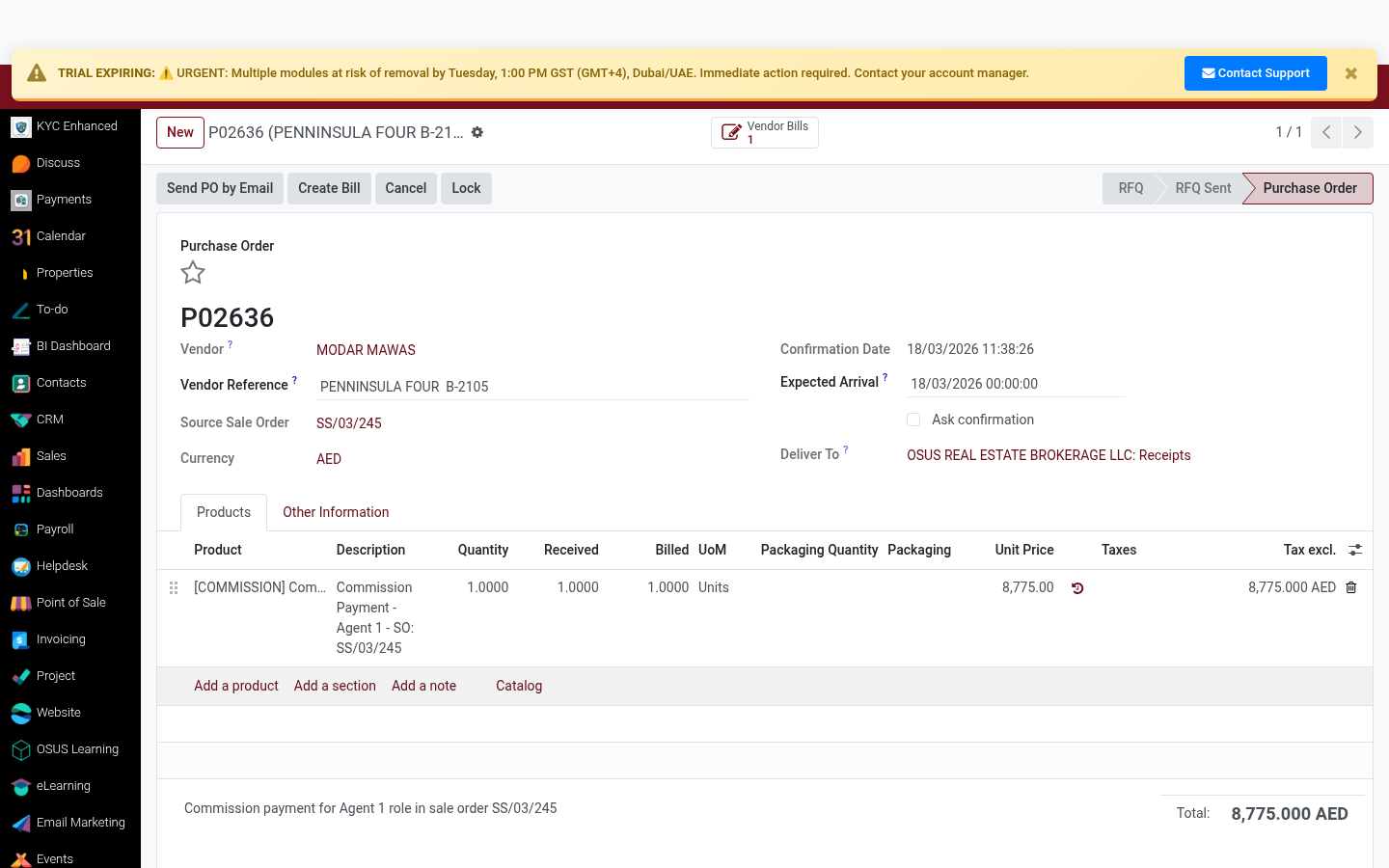
Purchase ▸ Orders ▸ [PO] ▸ Confirm Order
✅ WHAT TO DO
Click 'Confirm Order' to lock the commission PO. This triggers the vendor bill creation workflow.
- Confirm only after Finance has reviewed the commission amount
- Confirmed PO locks the amount — changes need a new PO
- PO confirmation sends notification to Finance team
1
2
3
💡 TIP
The 'Confirm Order' button is irreversible without cancellation. Finance approval is required before confirming.
Rating
0
0
Commenting is not enabled on this course.